Technology
CAD/CAM design and manufacturing
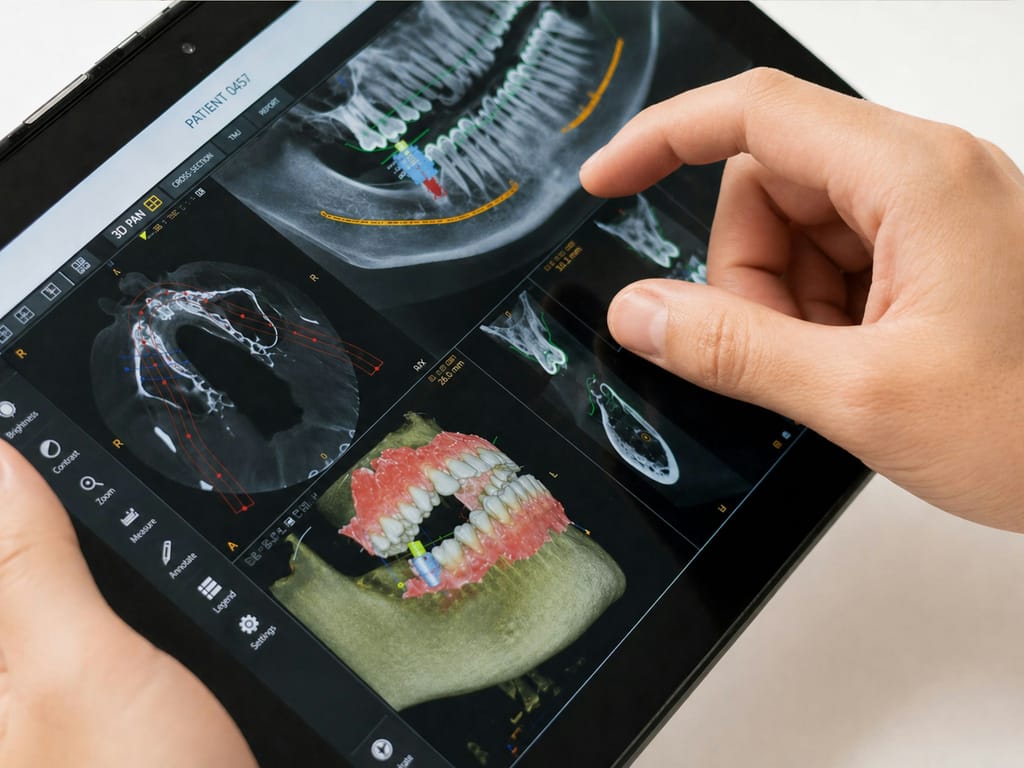
CAD/CAM stands for computer-aided design and computer-aided manufacturing. In dentistry it describes designing a crown, veneer or other restoration on screen and then producing it from that design.
Two halves of one process
CAD is the design stage. Starting from a scan of the prepared tooth and its neighbours, the restoration is shaped in software so that it fits the tooth, meets the opposing teeth and sits in harmony with the rest of the smile.
CAM is the manufacturing stage. The finished design is converted into instructions for a machine, which produces the restoration from a chosen material. That may happen through in-clinic milling or in a dental laboratory, depending on the material and the case.
The software offers a starting shape, but it does not know your bite, your gums or what you want your teeth to look like. Those decisions come from the clinical assessment and are applied to the design by hand.
What a restoration design has to account for
A design that looks right on screen is not necessarily right in the mouth. These are some of the points that are checked before anything is made.
Margins
The edge where the restoration meets the tooth. It needs to follow the preparation closely so that the join is smooth and can be cleaned.
Thickness
Each material needs a minimum thickness to be strong. Too thin and it may fracture; too thick and it may look bulky or need more tooth removed.
Contacts
How firmly the restoration touches the teeth either side. Contacts that are too loose can trap food; too tight and flossing becomes difficult.
Bite
How the restoration meets the opposing teeth when you close and when you move your jaw from side to side.
Emergence profile
The way the restoration rises out of the gum. It affects both appearance and how healthy the gum stays around it.
Shape and character
Surface texture, outline and proportion, so the restoration suits the teeth around it rather than looking generic.
From scan to restoration
Scan review
The intraoral scan is checked for clear margins and an accurate bite record.
Initial design
A proposed shape is placed on the prepared tooth and adjusted to the neighbouring and opposing teeth.
Refinement
Thickness, contacts, bite and outline are refined, with the planned material in mind.
Manufacturing
The design is sent for milling within the practice or to a laboratory, then finished according to the material.
Try-in
The restoration is checked in the mouth before it is bonded or cemented, and adjusted where needed.
Clinical and technical perspectives on CAD/CAM
Because Dr Elchin Abbasov trained as a dental technician before qualifying as a dentist, he reviews a design from both sides: how it will behave in the mouth and how it will be made.
Clinical view The dentist
- Has the tooth been prepared to give the material enough space without removing more than necessary?
- Will the bite load be shared evenly, including during grinding or clenching?
- Can the margins and contacts be cleaned with normal brushing and flossing?
- Does the shape suit the gum line and the surrounding teeth?
Technical view The technician
- Does the design meet the minimum thickness for the chosen ceramic at every point?
- Can the milling tools reproduce fine details such as sharp internal angles or very thin edges?
- Will the material need staining, glazing or a firing step after manufacture?
- Would a layered laboratory restoration achieve the required colour depth better than a single-block restoration?
Limits of computer-designed work
CAD/CAM improves consistency and reduces some manual steps, but it does not remove the need for skill. A design is only as accurate as the scan it starts from, and a milled restoration is only as good as the decisions behind its shape and material.
For some front teeth, particularly where very natural colour variation is needed, a laboratory technician may still layer ceramic by hand. Large bridges and complex rehabilitation work may also be designed digitally but made in a laboratory. Your dentist will explain which approach is proposed for your case.
Where CAD/CAM is used
CAD/CAM is commonly used for single crowns, onlays and selected veneers. It can also be used to design restorations on implants, where the crown or bridge is designed around the scanned implant position.
In selected cases, following clinical assessment, CAD/CAM combined with in-clinic milling allows a restoration to be designed and made within a single visit. Complex cases may need more than one appointment, and many restorations are still made over several visits for good clinical reasons.
Questions you may want to ask
- Which material is being proposed for my restoration, and why?
- Will it be milled in the practice or made in a laboratory?
- Can I see the proposed design before it is made?
- What would happen if the restoration needed adjusting after it is fitted?
Questions
Frequently asked
General answers only. Your dentist will explain what applies to you.
Does CAD/CAM mean a machine designs my tooth?
Software suggests a starting shape, but the design is reviewed and adjusted by the dental team. The clinical decisions about shape, bite and material are made by people, not by the software.
Are CAD/CAM restorations as strong as laboratory ones?
Strength depends mainly on the material, its thickness and how well it is bonded or cemented. Many CAD/CAM materials are manufactured as solid, uniform blocks. Your dentist will discuss which material suits the position and forces involved.
Can CAD/CAM be used for implant-supported restorations?
Yes. The implant position can be scanned and the crown or bridge designed around it. Implant placement itself is a separate surgical stage carried out by a suitable clinician as part of a coordinated plan.
Is every CAD/CAM restoration made the same day?
No. Same-day restorations are possible in selected cases, following clinical assessment. Complex cases, layered ceramics and multi-tooth work usually need more than one appointment.
Keep reading
Related information
Technology
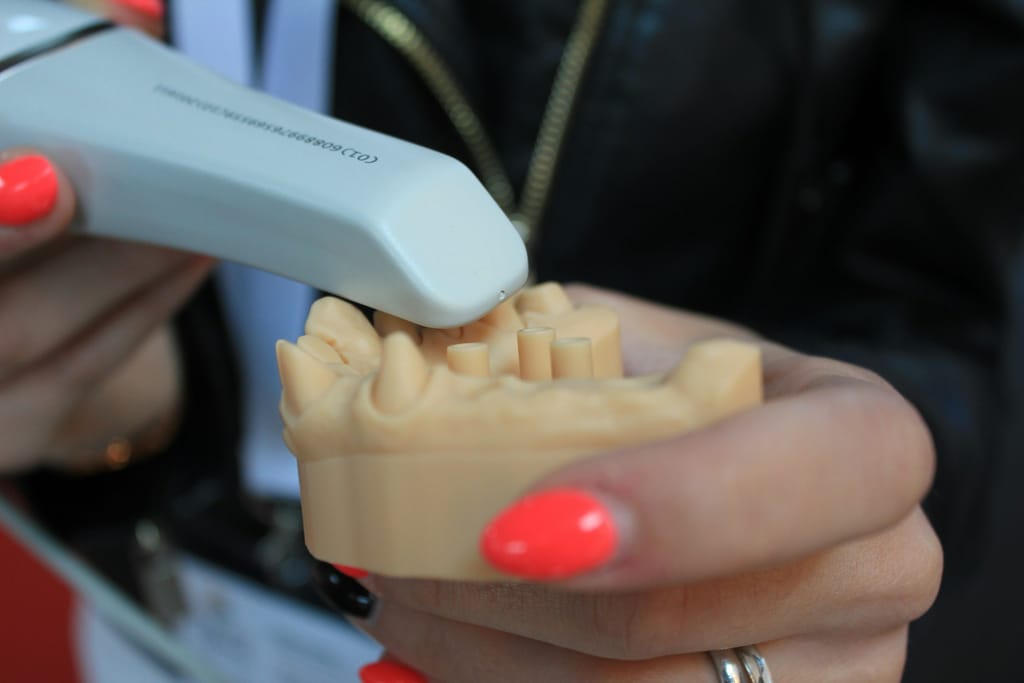
Intraoral scanning
How a digital scan of your teeth is taken, what it is used for and when a conventional impression may still be the better record.
Explore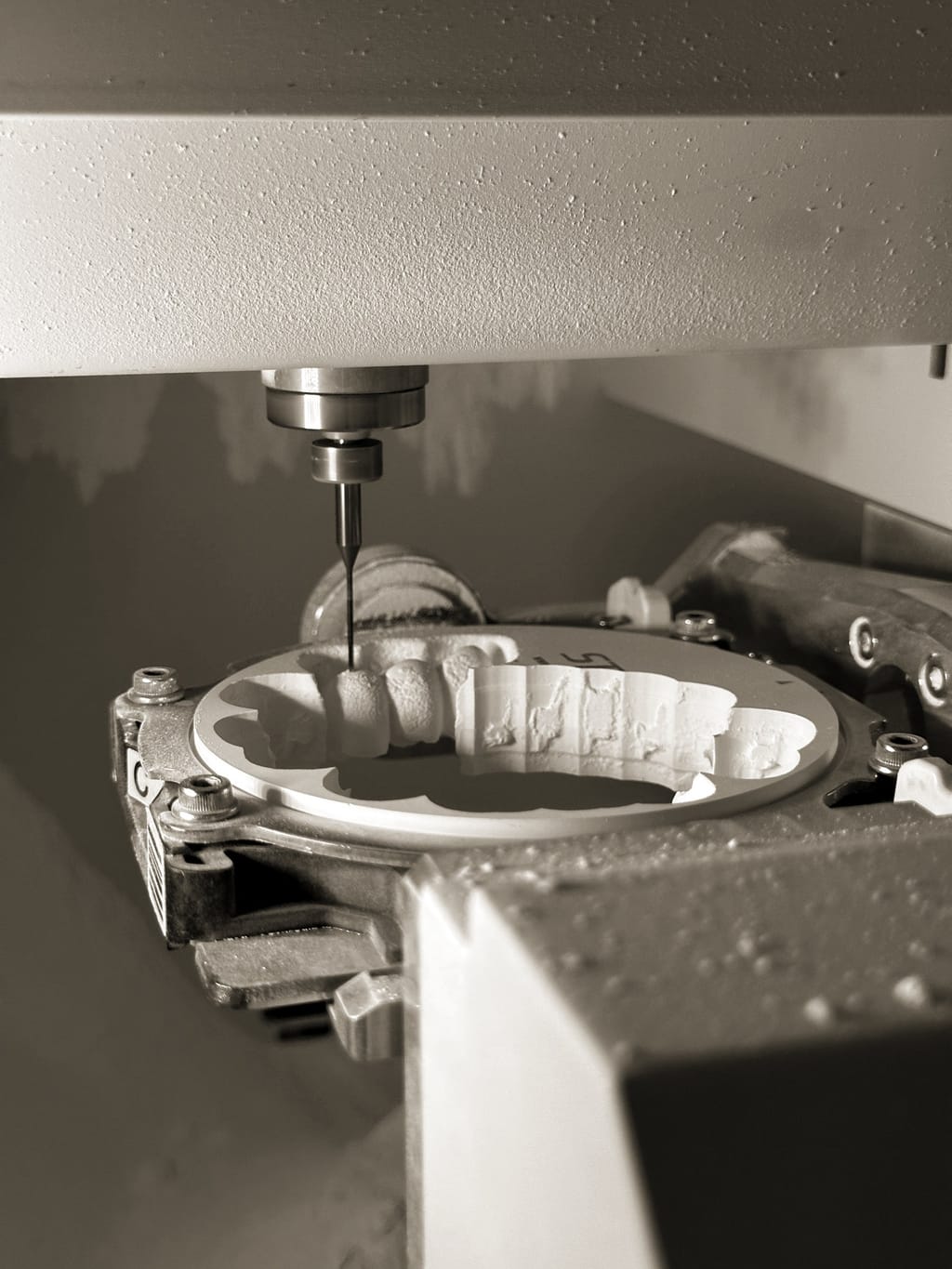
Technology
In-clinic milling
How a crown or veneer is milled from a ceramic block and finished within the practice, and when laboratory work may be the better route.
Explore
Digital workflow
Digital dentistry
How scanning, computer design and milling connect in restorative care, what they help with and where conventional methods still apply.
Explore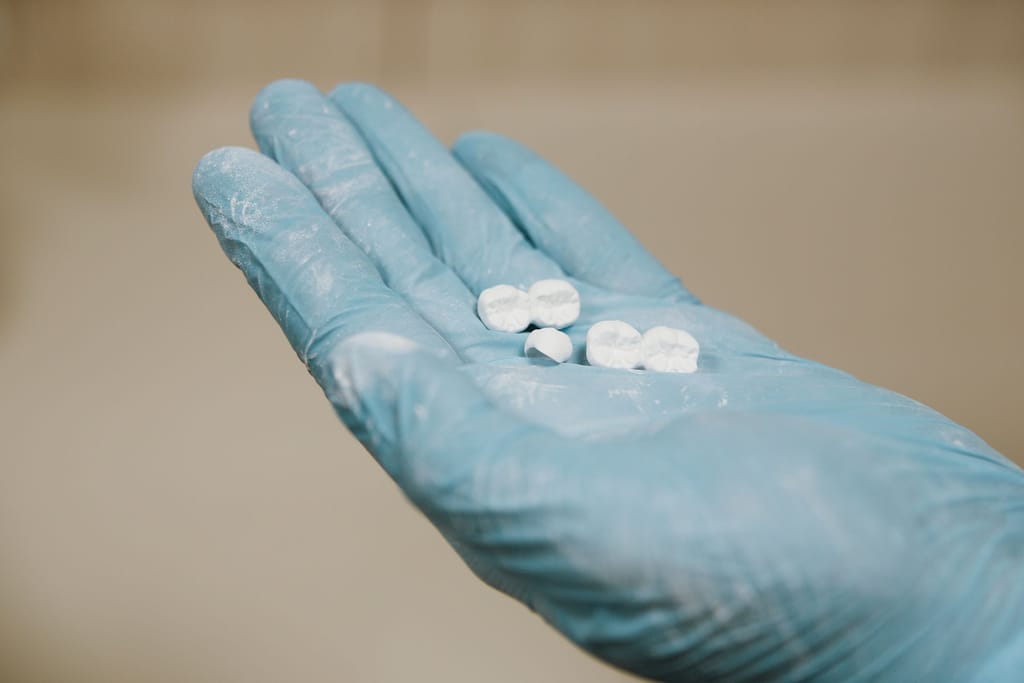
Same-day treatment
Same-day crowns
When a crown may be prepared, milled and fitted in one visit, what has to be checked first, and why some teeth need more appointments.
ExploreNext step